Introducing Pay with Bank
A look at a new channel for Paystack merchants to receive payments from their customers

We’re excited to announce that customers of Paystack merchants can now pay directly from their bank accounts!
It’s really simple for customers to use this new payment option: the customer enters their bank account number, they get an OTP from their bank, and they hit pay. That’s it!
Try Pay with Bank for yourself with this demo: paystack.com/demo
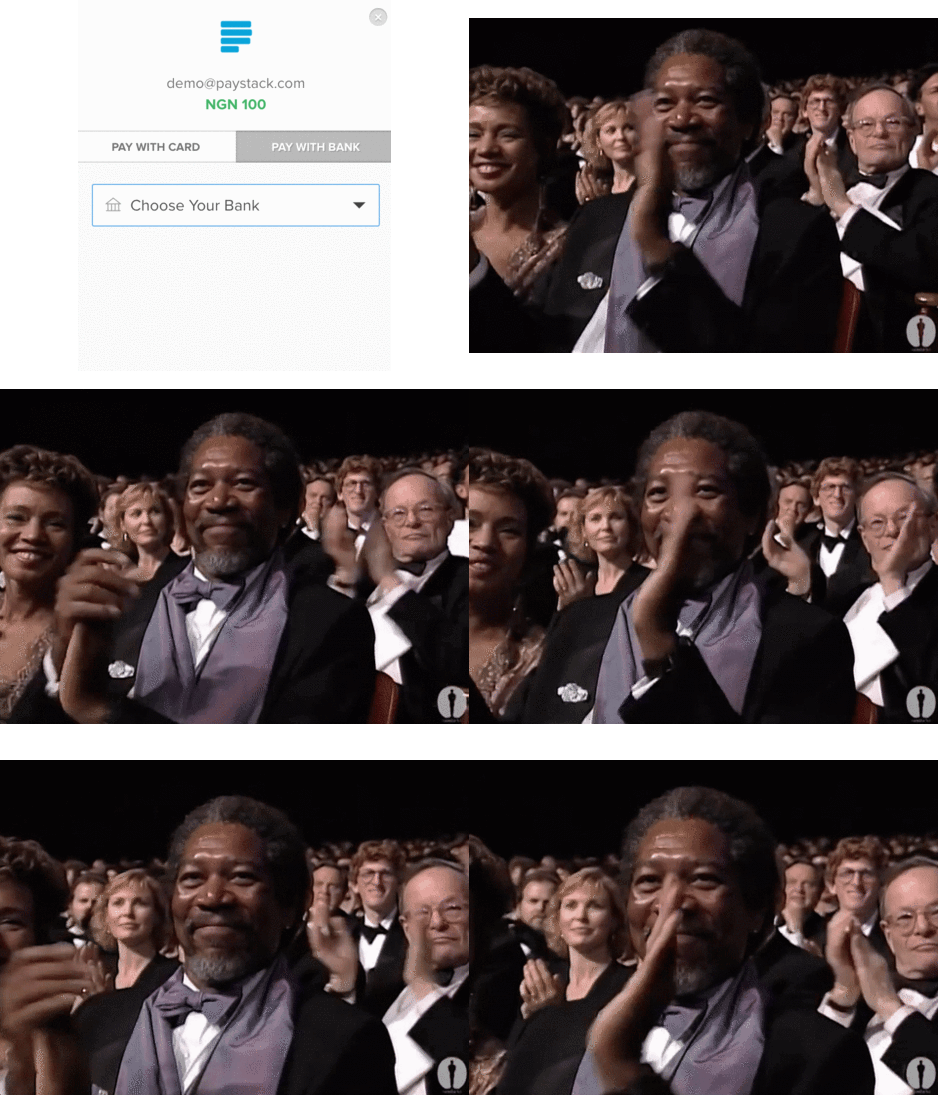
Here’re 3 ways this new feature helps Paystack merchants make more money
- Customers who can’t pay with a card for any reason now have another way to pay
- This is a great option for corporate customers who can only pay from corporate bank accounts
- Some customers don’t like to enter their card details online. Now they have another way to pay
Supported banks
Customers can now pay directly from the following banks:
- Access Bank
- Diamond Bank
- FCMB
- GTB (via internet banking)
- Fidelity Bank
- Wema Bank
- Zenith Bank
How to enable Pay with Bank
To enable Pay with Bank for your Paystack account, you’ll need to turn it on from your Dashboard. You’ll find it in in the Preferences tab of the Settings section (you can use this direct link to get to the page).

What’s the charge on payments made via bank account?
- Payments under NGN 2,500 = 1.5% of purchase amount
- Payments of NGN 2,500 or more = 1.5% + NGN 100
The charge is capped at NGN 2,000.
What is the transaction limit on Pay with Bank?
The maximum amount that a customer can pay directly from their bank account is entirely dependent on a limit that has been established by their bank.
A customer who attempts to do a transaction above their limit will see a “Transfer limit exceeded” error. To solve this, the customer will need to contact their account officer at their bank and request that their limit should be increased.
Have any questions about Pay with Bank?
We’re happy to help! Simply send us a message at [email protected] or give us a call at +234 908 566 2909👌

